


Technical Support Service ( SAT )

Remote technical assistance.
Solving any software issue over the internet in just three steps:

How to repair ©Microsoft Windows or any other operating system without being present?
You only need your PC or laptop connected to the internet and running to repair your operating system.
How does it work?
- Call us at the phone number

- Download and run a small remote access and support program: RustDesk
- Give us the ID and Password generated by your program.


Repair of desktop and laptop computers (Notebook, Netbook or Phablet), Tablets and Smartphones.

Hardware.
- Substantial improvement in equipment performance. Repair, upgrade and replacement of components.
Installation of any type of hardware: Battery, screen, hinges, graphics card GPU, keyboard, memory RAM, hard drive -Hard Disk, Solid State Drive, SSD-, network interfaces, optical bay, motherboard, other types of auxiliary boards, etc... - Cleaning dust from vents, cooling systems, replacement of thermal pads and paste on CPUs, graphics chips and other chips that require it.
Software, Security and Networks.
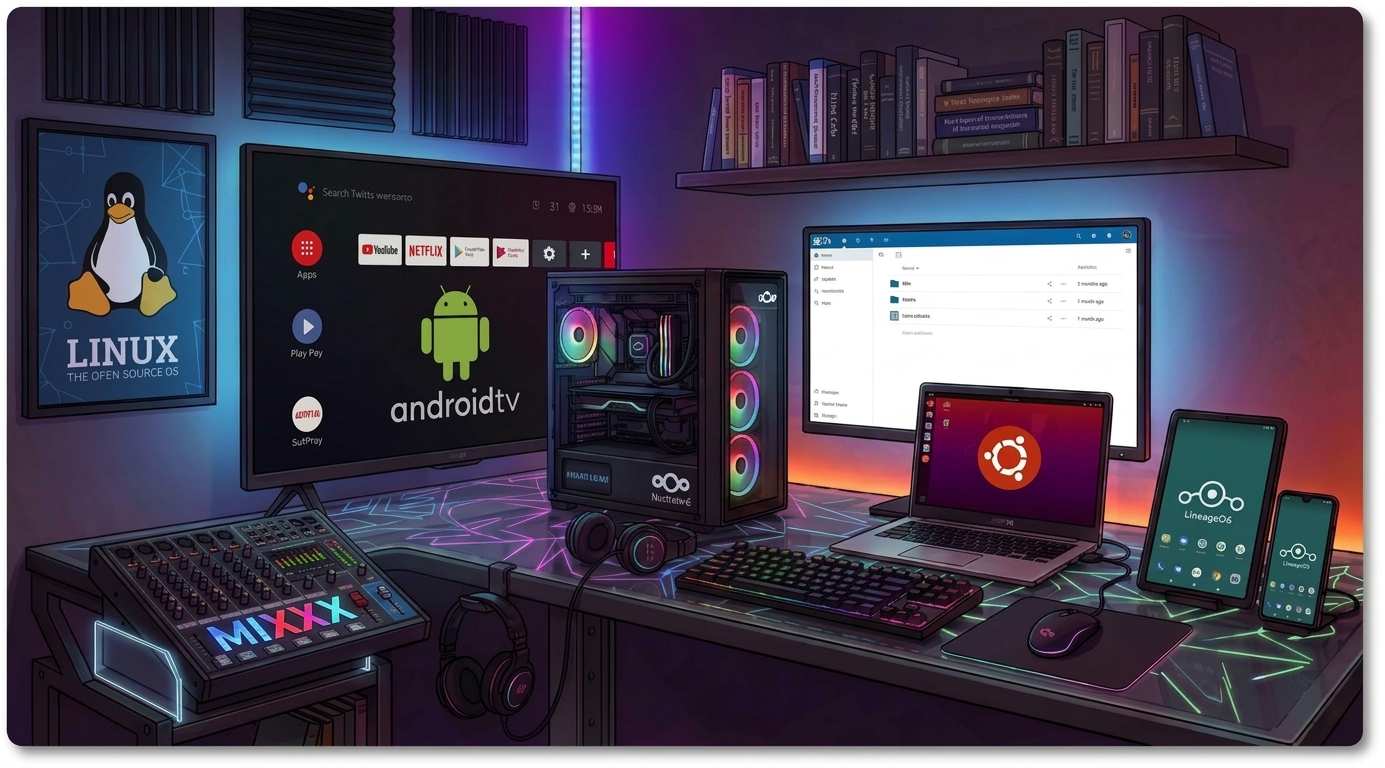
- Installation of operating systems Windows, iOS, Android, GNU/Linux, Novell Netware....
- Installation or configuration of programs and peripherals (Multifunctionals, Video and Printing Servers...).
- Driver configuration for Windows, GNU/Linux...
- Configuration and administration of local LAN and wireless Wi-Fi networks.
- Free and Open Source Software (Open Source).

Backups. NextCloud file servers.
Backups consist of making a security backup of your files (photos, videos and important documents) on your computer.

We back up your files on an external hard drive, flash memory of your own or on an external Google Drive server. Backups can be done manually or automatically with the frequency that best suits you, and for the files you decide. The maximum free capacity offered by Google Drive is 15GB; if you need more space, you would have to pay Google for additional storage. telespino.com can install the Backup service for you remotely.
Nextcloud Server:
Nextcloud is open source software that turns a computer (or a small server) into your personal private cloud.

With Nextcloud you can:
- Save and sync files between your PC, mobile and tablet (like Dropbox).
- Automatically back up photos from your mobile.
- Edit documents online (text, spreadsheets) with Collabora or OnlyOffice.
- Manage calendar and contacts synced with your mobile.
- Task lists and notes.
- Chat and video calls (with the Talk app).
- Share files with links or with other people.
- Encryption of your data.
Aimed at:
- Families who want to share files without depending on someone else's cloud. Instead of renting space on Google, Microsoft or Dropbox servers, Nextcloud is installed on your own servers (or a trusted provider's) so that family members are the sole owners of their data.
- Freelancers and small businesses that handle sensitive data or comply with strict regulations (GDPR...). Being self-hosted, data is not subject to extraterritorial laws and dependence on price changes or conditions from a third party is eliminated ("Vendor Lock-in").
- Photographers and creators with large volumes of files. It can start small for a team and scale to millions of users without losing performance. It also allows integrating private AI tools (text assistant, summaries) without the creator's data being used to train third-party models.
- Any person concerned about their privacy. Being 100% open source, the code is auditable by anyone, guaranteeing total transparency and no hidden access. It includes end-to-end encryption, two-factor authentication (2FA) and granular permission policies so each employee only sees what corresponds to them.

|
🖥️ telespino.com offers:
|

Installation, configuration and repair of copiers and printers. Print servers.
- Preventive maintenance.
- Cleaning and adjustment of optics.
- Installation and configuration of multi-brand laser equipment for office and medium production, both in Black and White and Color, for individuals, offices, copy shops and internet cafes.
- Installation and configuration of print servers on networks.
- Replacement and adjustment of consumables:
- developer,
- OPC drum,
- transfer belt,
- fuser rollers,
- exposure lamps
- fuser lamps,
- paper feed rollers,
- etc...
- Diagnosis and repair of imperfections in copies (adjusting copy quality in B/W and Color).

Dynamic WEB Page Design.
Online Stores. B2B-B2C.
Relational SQL Database Administration.

-
- Administration, management and design through CMS (Content Management System) of ®Joomla.
- Responsive Design technology adaptable to different device sizes.
- Hosting management for the creation of business email, obtaining the SSL certificate for secure connection, installation and configuration of the Database and hosting settings for the website.
- Contact form with reCAPTCHA implementation to prevent spam robots.
- Google Maps map embedded with responsive technology.
- Header icons for social networks and ©WhatsApp.
- Download manager implementing jDownloads GPL Extension.
- Online stores (eCommerce) and B2B-B2C (business to business - business to consumer).
- Basic SEO configuration (Search Engine Optimization) and AEO (Answer Engine Optimization).
- Content appropriate for the client.
- Light backgrounds for clear visualization and appearance.
- Professional image editing.
- Typography and eye-catching fonts while preserving the design.
- Practical and representative buttons, eye-catching icons.


Video surveillance systems [CCTV].

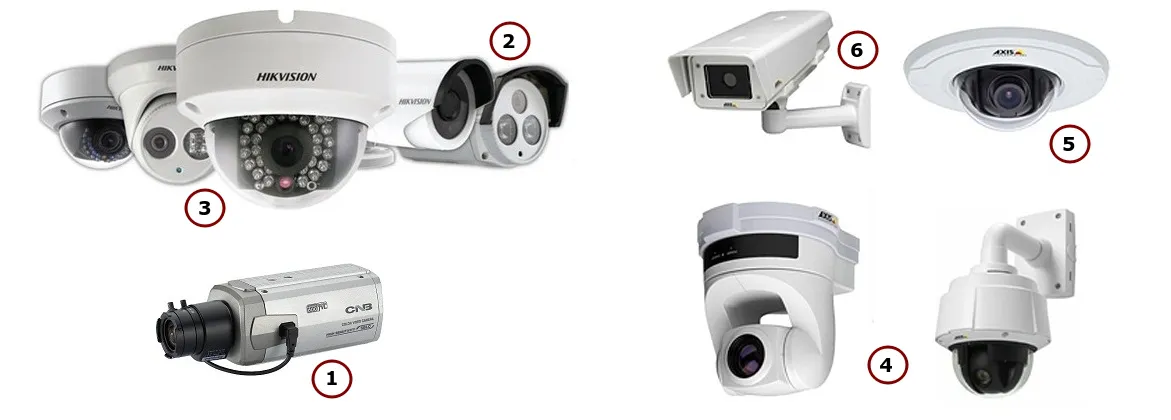
- Installation, configuration and maintenance of CCTV video surveillance systems.
- Adaptation of the different CCTV technologies:
- HD-TVI or TurboHD (High Definition Transport Video Interface).
- HD-CVI (High Definition Composite Video Interface).
- HD-SVI (High Definition Serial Video Interface)
- IPCam (IP Cameras)
- Video recorder configuration:
- DVR: Digital Video Recorder to install analog cameras.
- NVR: Network Video Recorder to configure IP cameras.
- NDVR: Network DVR or Hybrid systems.
- Installation and configuration of APP's for remote viewing of the CCTV system on your smartphone.
- Installation of vandal-proof CCTV systems.
Installation and configuration of No-Fee Alarm Systems.
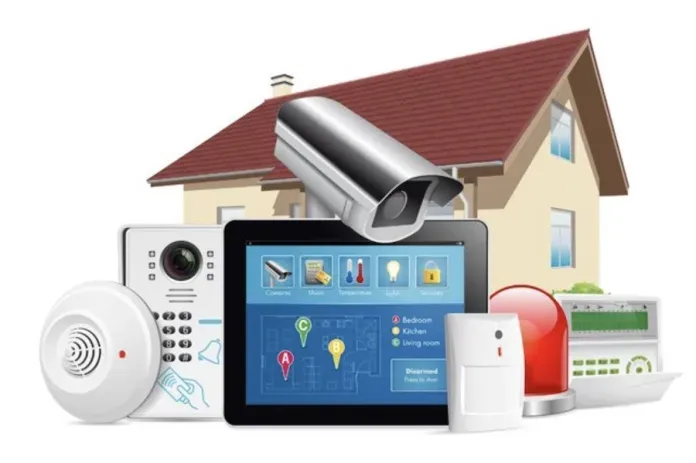
- Installation, adjustment and configuration of no-fee alarms against intrusion and jammers.
- Optionally, these no-fee alarm systems can be combined with a video surveillance system, fire alarm, gas leak, water leak...


Tips for buying the best home alarm systems: What to look for?
If you want to buy a no-fee home alarm system, you should look at some key aspects so you can know if it is the ideal one for you. Among the aspects you should consider are:
Type of connection: The type of connection is very important, because you have the possibility of opting for a GSM connection that will allow you to send SMS notifications in case of activation. They require telephone coverage, and are systems difficult to hack.
On the other hand, there are also Wi-Fi alarms, which also notify owners via notifications. However, they do this over the internet via a wireless Wi-Fi connection.
Security: No-fee alarms are safe, effective, and their cost and maintenance is very economical. These alarms also have various sensors that allow the alarm to be installed and even its security capacity can be expanded.
|
Important note: You should check if they have anti-jamming technology and of what type. |
Features: Some systems come with motion detection sensors, while others come with door and window sensors, or a combination of both. Ideally, before buying your alarm, check how many sensors it comes with to know if it will adapt to your needs.
In any case, you should also know if the alarm can be expanded and with how many sensors. For very large spaces, some alarms allow the connection of up to 100 sensors at the same time, which will increase their effectiveness.
Installation and programming of Point of Sale Terminals (POS).
Odoo POS
Odoo is an interesting alternative for a POS solution.
Formerly known as OpenERP, it is the most modern free and open source software system with a great track record as enterprise resource planning software, ERP. A system characterized by its rapid growth and continuous development, used and supported by multinational industries.

Odoo POS allows you to implement a modern and scalable solution with which you can manage from a point of sale in a small business to a medium chain of stores.

Recommended ePos printers for POS's and compatible with open source ERP and CRM Odoo.
The following ePOS printers are compatible with Odoo without having to use a system or IoT box (Internet of Things):
-
- Epson TM-m30 i / ii / iii (only Wi-Fi and Ethernet models, these are the most recommended)
- Epson TM-H6000IV-DT (receipt printer only)
- Epson TM-T70II-DT
- Epson TM-T88V-DT
- Epson TM-L90-i
- Epson TM-T70-i
- Epson TM-T82II-i
- Epson TM-U220-i
- Epson TM-m10
- Epson TM-P20 (Wi-Fi® model)
- Epson TM-P60II (for receipts, Wi-Fi® model)
- Epson TM-P60II (Peeler Wi-Fi® model)
- Epson TM-P80 (Wi-Fi® model)
|
🖨 Important
|
 |